01
When to leave, not just when it starts
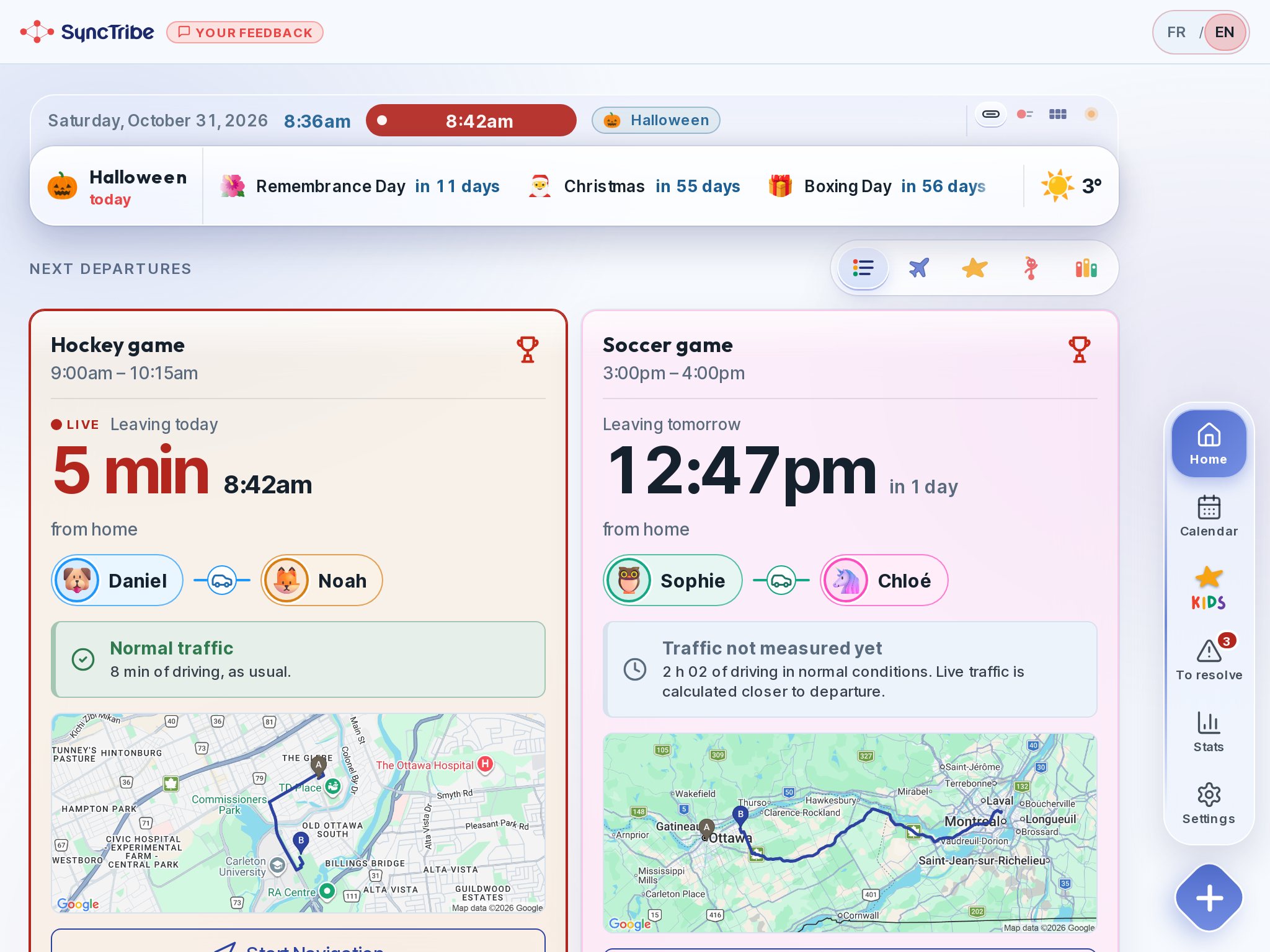
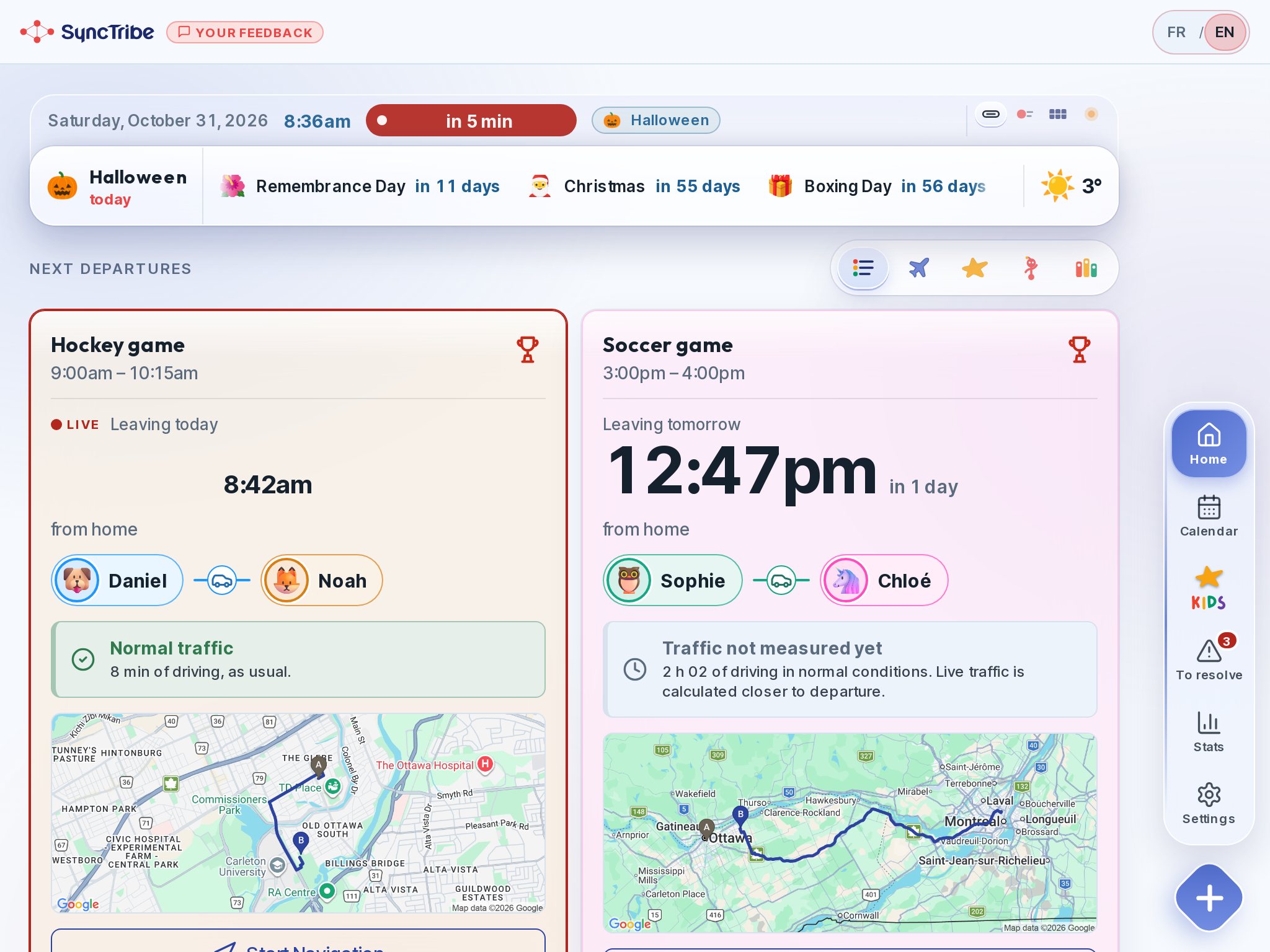
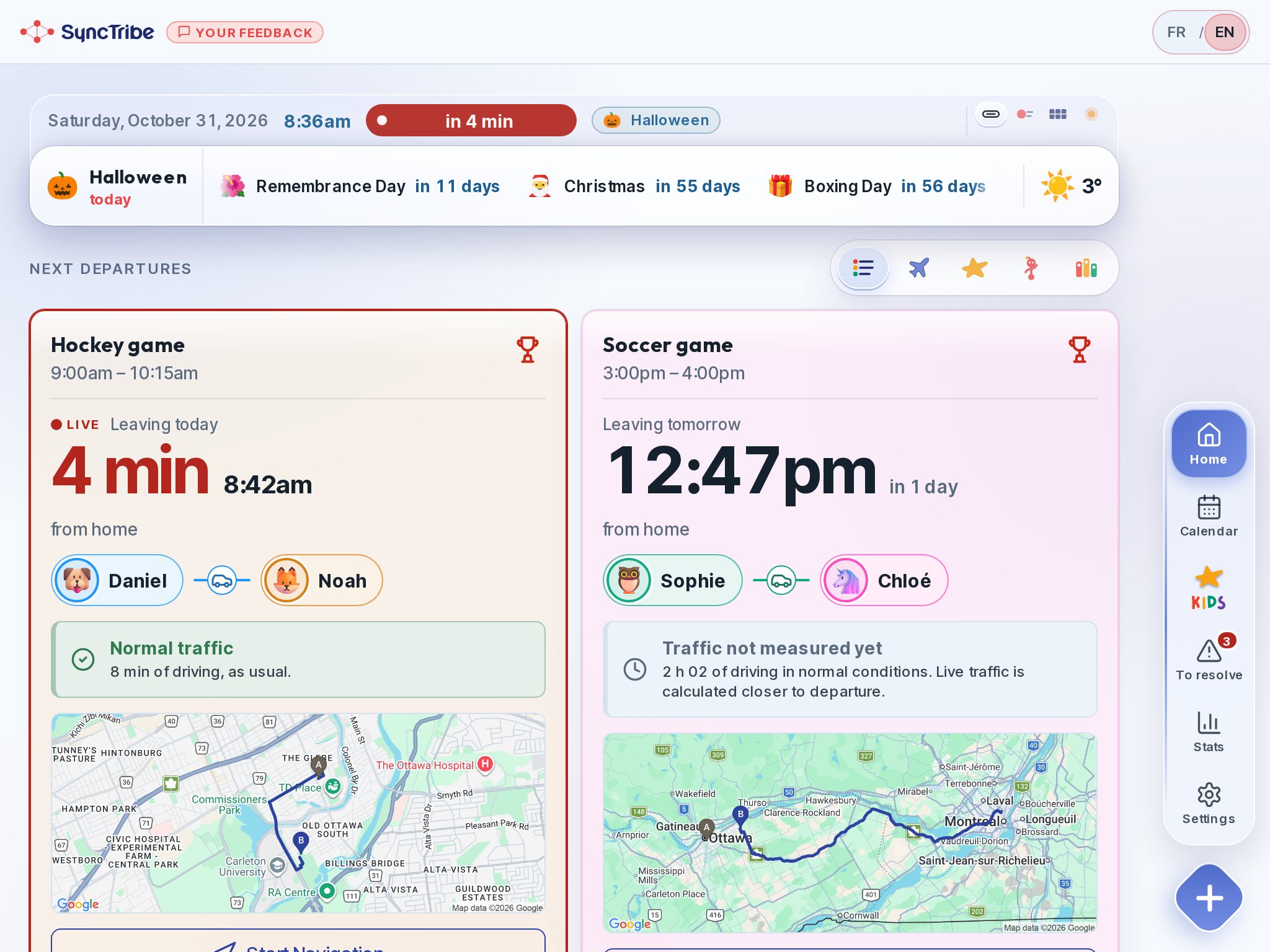
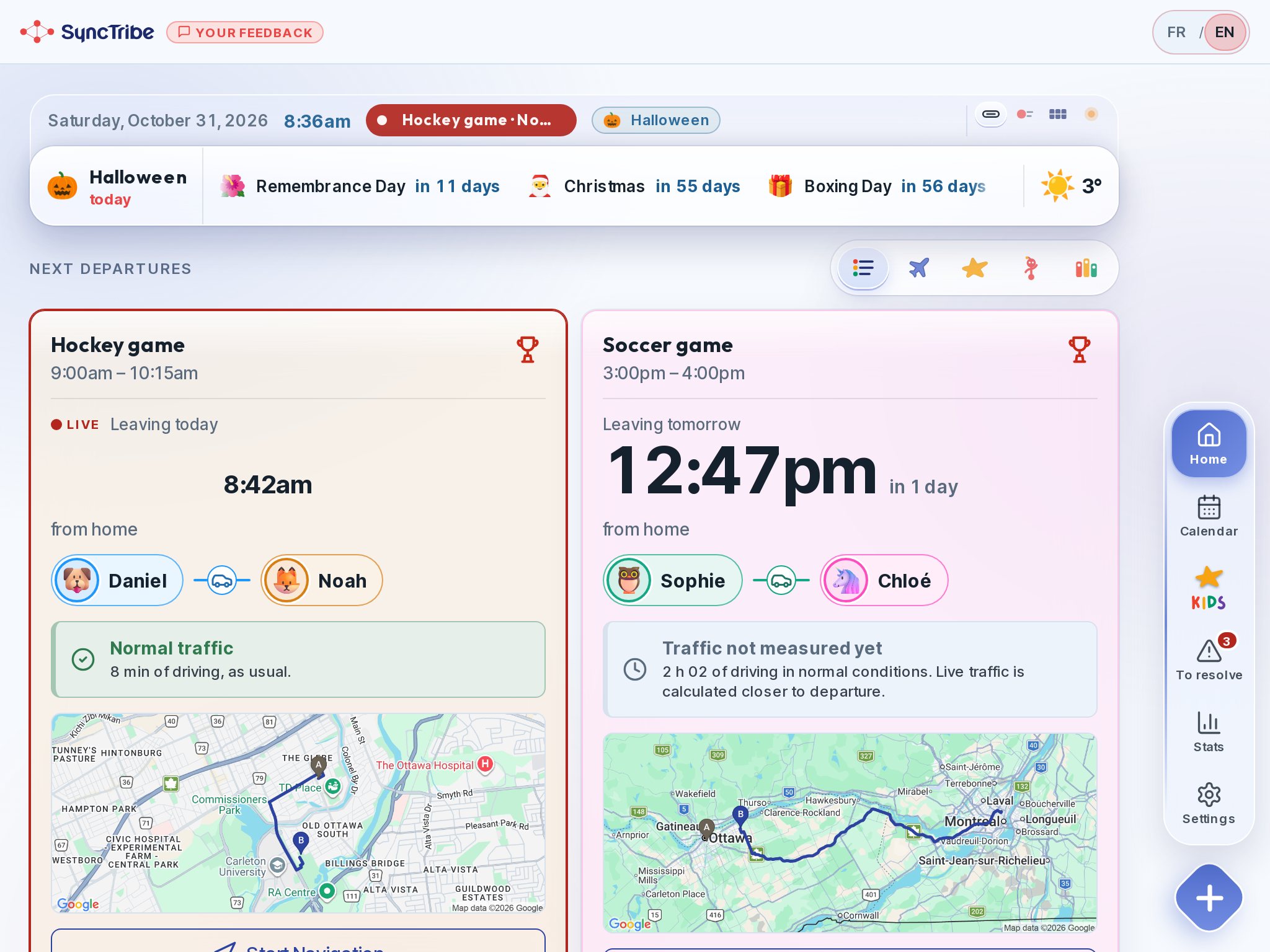
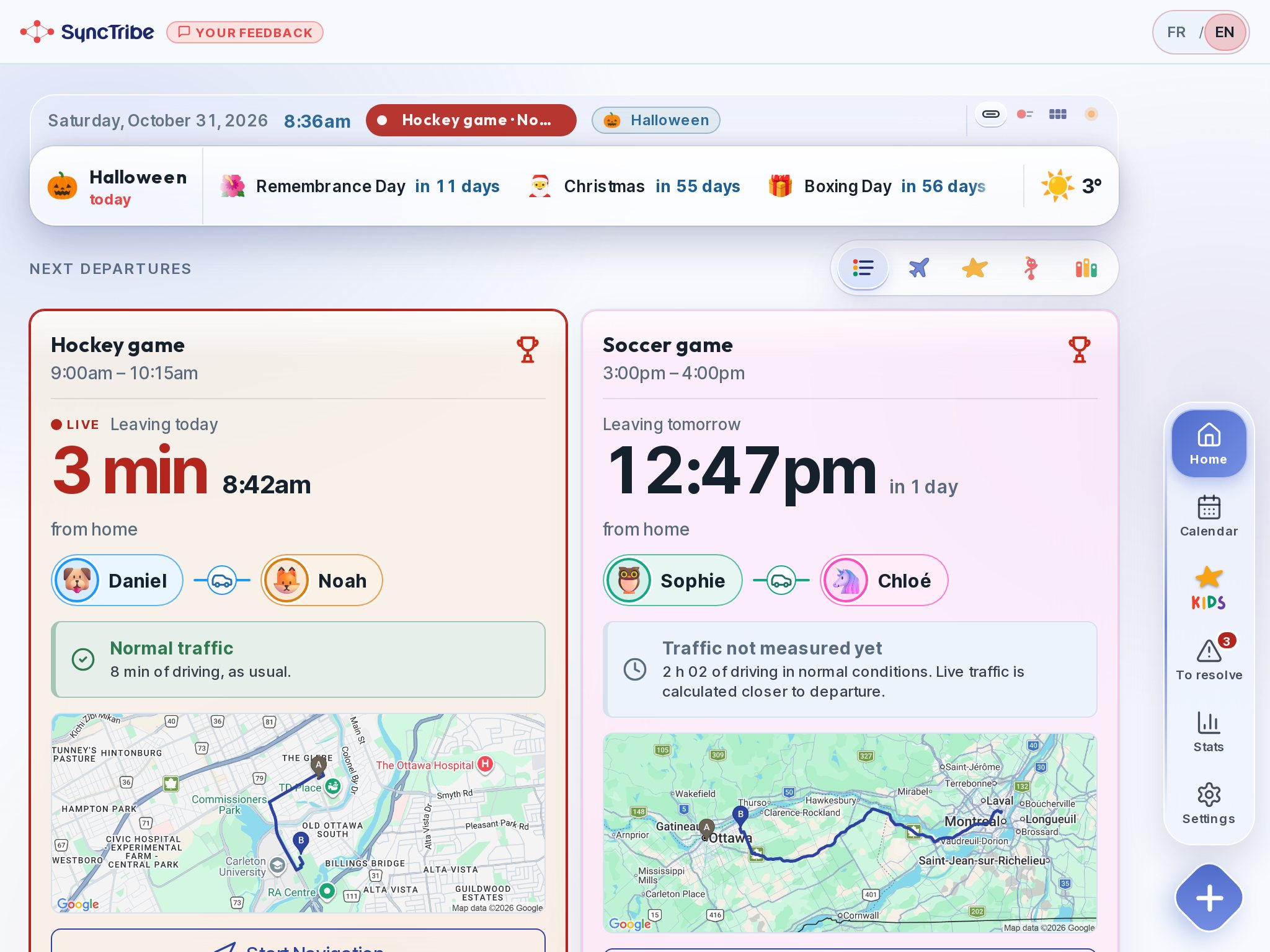
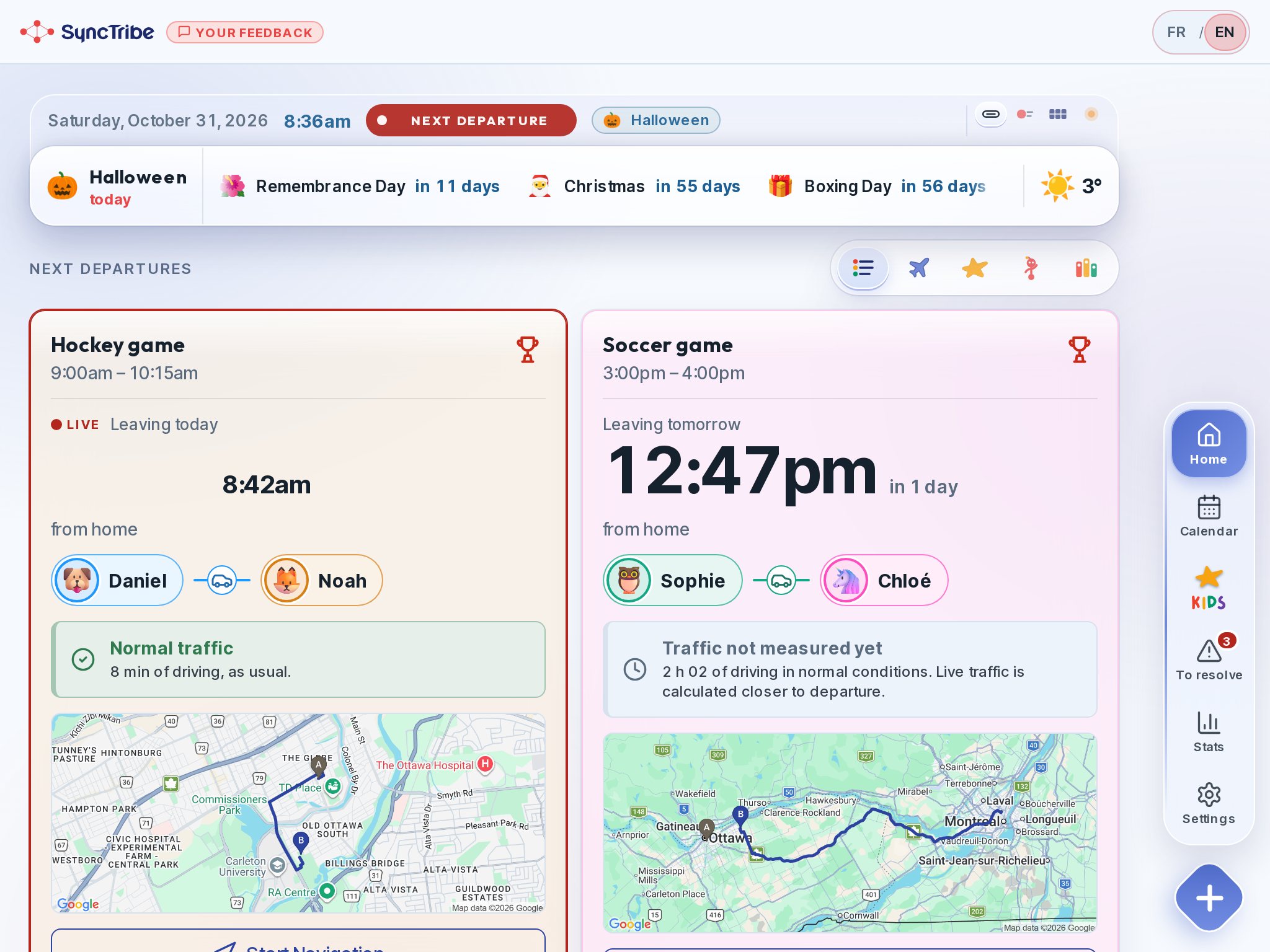
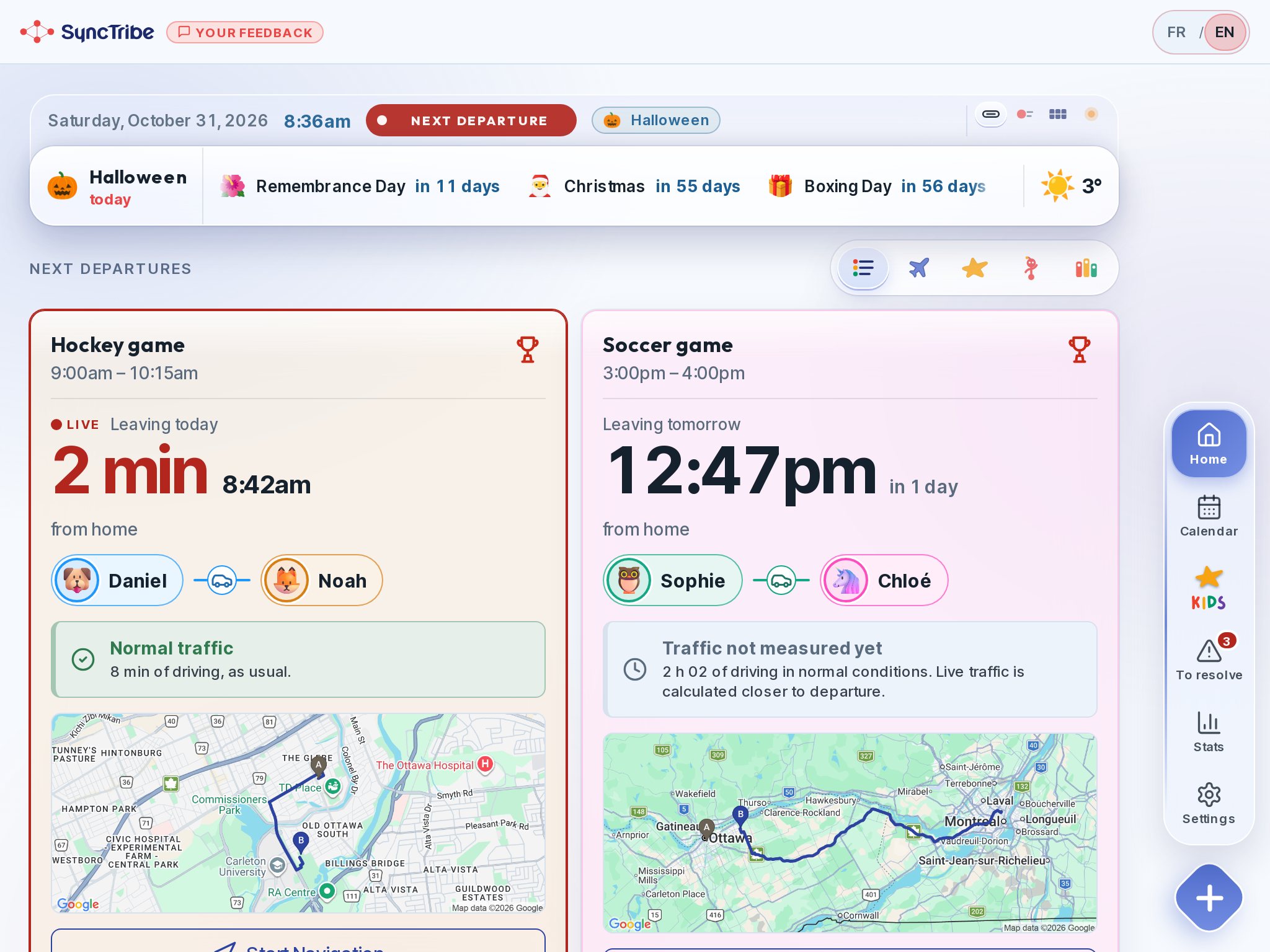
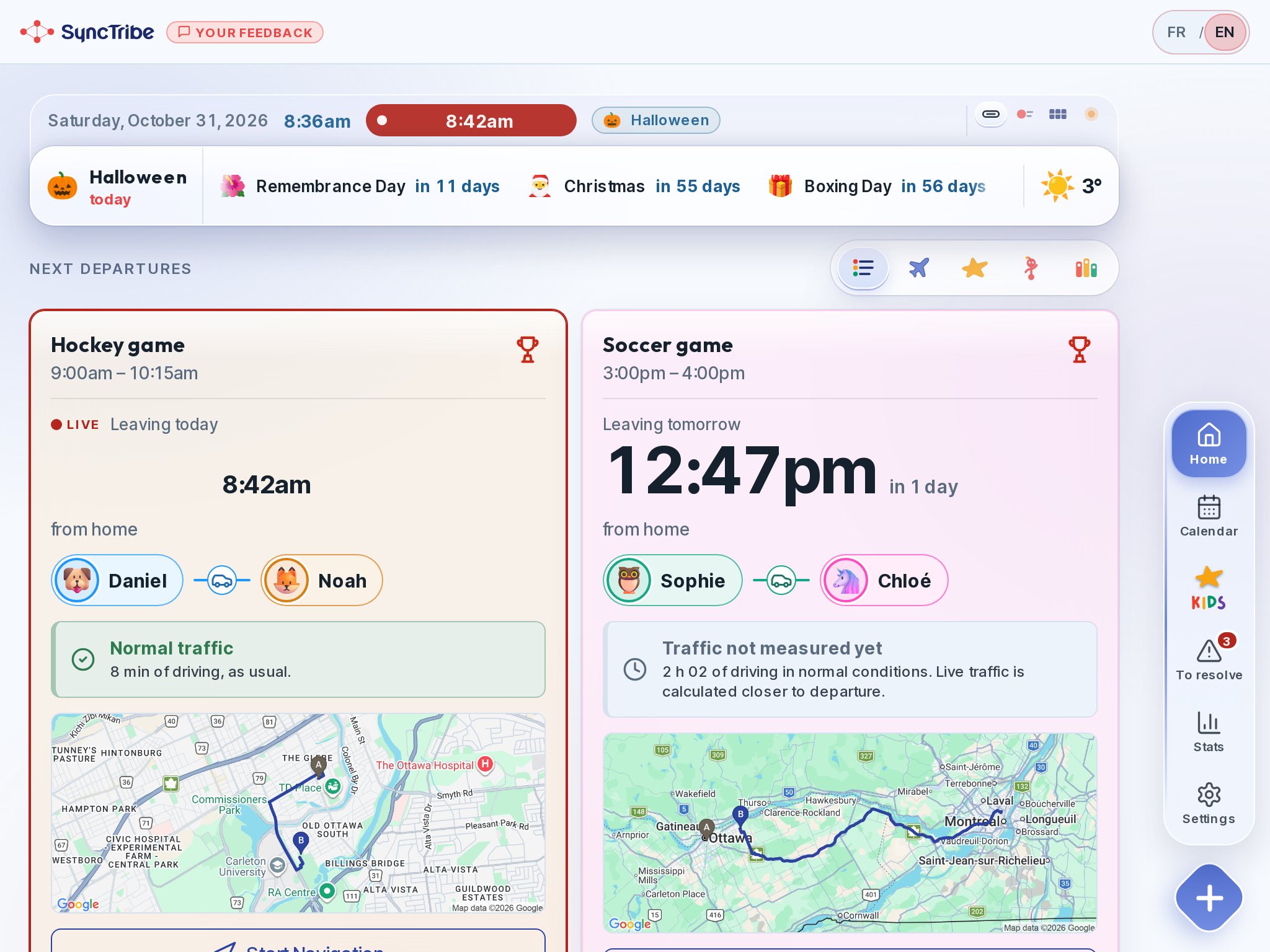
Every event gets a departure time based on live traffic. Orange 30 minutes out, red and blinking at 10.
The Skylight alternative that's already in your drawer.
It turns an old iPad or Android tablet into a hallway family hub. No new screen to buy, and one thing wall calendars don't do: departure times with live traffic, for the whole family.
Dedicated family screens cost hundreds of dollars, and their best features often sit behind a yearly plan. Most families already own the screen: an old tablet in a drawer. SyncTribe puts it by the door, locked on one app, and adds the logistics layer calendars never had: who drives, when to leave with live traffic, and what the kids need to pack.
It doesn't replace Google, Apple or Outlook calendars. It reads them, then adds what they never tell you.
Every event gets a departure time based on live traffic. Orange 30 minutes out, red and blinking at 10.
Each trip shows the driver, the kids on board and the empty legs home, in each person's colour.
Two kids, two places, one parent? It is flagged before the day, with a suggested fix you approve.
Share a trip with another household, and both calendars know who's driving this Tuesday.
Billy reminds kids 15 minutes before leaving and points them to their packing list. They earn XP for being ready.
It reads your existing Google, Apple or Outlook calendars. No ads, no chat, no in-app purchases for kids.
Take the tablet out of the drawer. Any recent iPad or Android tablet.
Install SyncTribe, connect your calendars. About five minutes.
Turn on kiosk mode. Guided Access on iPad, app pinning on Android: leaving the app takes a parent's passcode.
Plug it in by the door. Departures, packing lists and Billy, visible to everyone. Phones stay in pockets.
Compare, yes. But also look at what sets SyncTribe apart among family apps, and where we don't tick the box yet.
Feedback from our first families matters most. We're ready to add new features to stay competitive, without ever diluting what makes SyncTribe different: knowing when to leave, and kids who get ready on their own.
Every departure is recalculated with live traffic, then the hub counts down the last minutes: orange at 30, red and blinking at 10. Not just when it starts, when to walk out the door.
Billy's city opens a new world each time the family's star fills up with XP: airport, mountains, beach… Brothers and sisters earn it together.
Memory, words in another language, a school quiz: a handful of short rounds a day, five at most. No ads, no endless feed, no in-app purchases.
Forward the club's registration email to your family address (yourname@my.synctribe.app): Billy reads the text, PDF or photo, pre-fills the activity, the child, the dates and even the driver, and asks you to confirm. A Gmail filter can do it automatically.
Google, Outlook, Apple, TeamSnap and any calendar with a subscription link: read-only, synced automatically, and sorted by child from the first name in the title.
Native iPhone and Android apps, plus the web. The hallway tablet and every parent's phone show the same live data.
Designed like a train-station departure board: the time to leave is always the biggest thing on screen, readable from across the room.
Packing lists per activity, and XP for kids who are ready on time. A real chore feature is on the way, and we want to get it right: not the classic checklist kids find boring.
Not today. SyncTribe focuses on the part other calendars skip: getting everyone out the door.
Too new for a meaningful rating: it just launched on the App Store. Happy to share beta-family feedback instead.
SyncTribe is free right now: no subscription, no credit card, no ads. But running it isn't free. Servers, maps and live-traffic calculations cost money, and that cost grows with every family that joins.
So we won't promise “free forever.” If demand makes it necessary, a paid plan could come, and only once SyncTribe has proven it truly helps. Our earliest families would be first in line, with significant discounts.
The commitment that doesn't change: SyncTribe aims to stay a low-cost alternative, easy on the family budget and on the planet, built on the tablet you already have rather than a new screen to buy.
Every weekday at our house in Ottawa used to end the same way. Three kids, three schedules, practices and lessons all over town, and one question on repeat: “Who's picking up whom, and when do we leave?” The calendar on my phone knew practice started at 5:30. It never told me we had to be in the car at 5:03.
So in March 2025, at the kitchen table, I started building the thing I wanted: an app that reads the family calendar and works out the logistics. Who drives. When to leave, with real traffic. What's in the swim bag. And a way for my kids to know it too, without borrowing my phone.
That's how Billy was born: a little red companion, built from the four dots of our logo, who tells the kids it's time to get ready. My 8-year-old daughter is his toughest critic: she looked at the kids' city in the app, called the characters “boring,” and asked “What if they were little Billys?” There are now more than fifty of them.
It took two startup programs, one name change (it was called TimeNest), a pitch in front of the Invest Ottawa jury, and two years of nights and weekends. This month, Apple said yes.
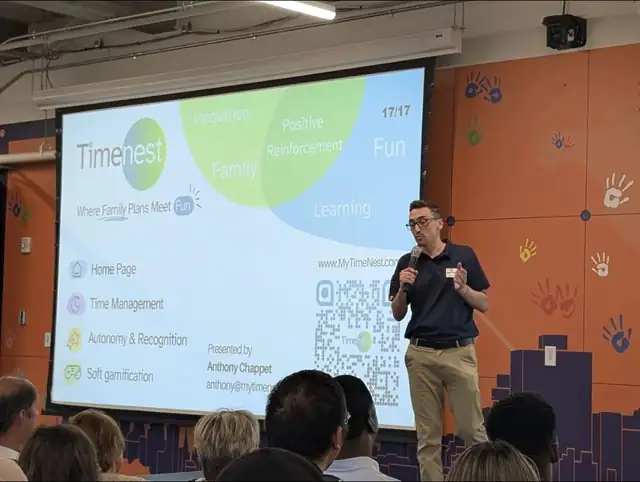
“I didn't build SyncTribe to sell families another screen. I built it so the one they already have finally helps them get out the door.”
Anthony · dad of three, founder of SyncTribe · Ottawa, Canada
Kids earn XP for being ready on time. What they do with it is where the values come in. Every new world opens when the family's star is full, so brothers and sisters fill it together.
Siblings pool their XP to open the next world together. Everyone sees who chipped in, and nobody is ranked.
A small gesture with real meaning: helping a sibling reach their goal with points you earned yourself.
We plan to let children turn their XP into real donations that SyncTribe makes to charities, so being ready on time can also teach them to give.
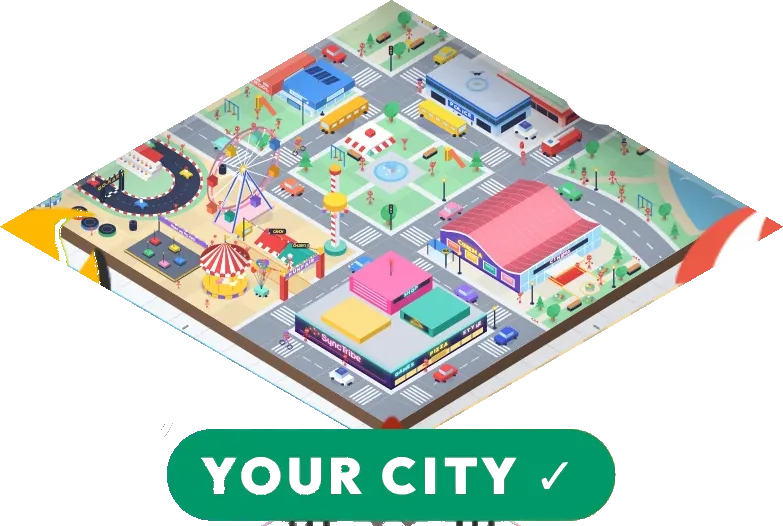


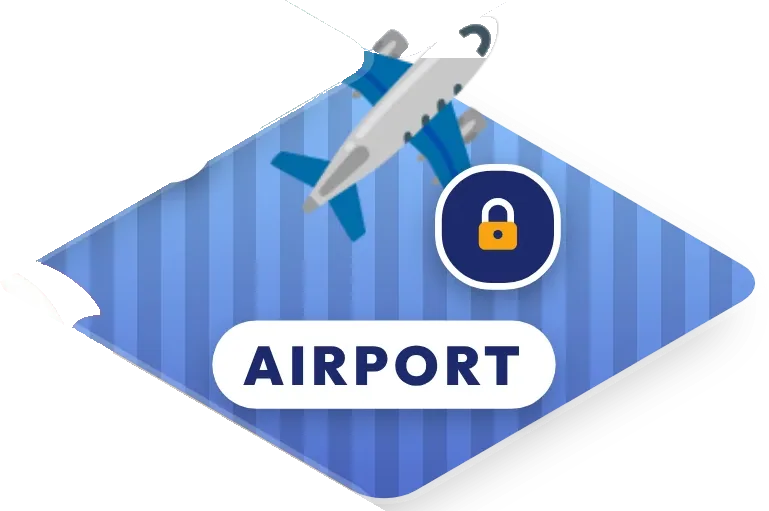
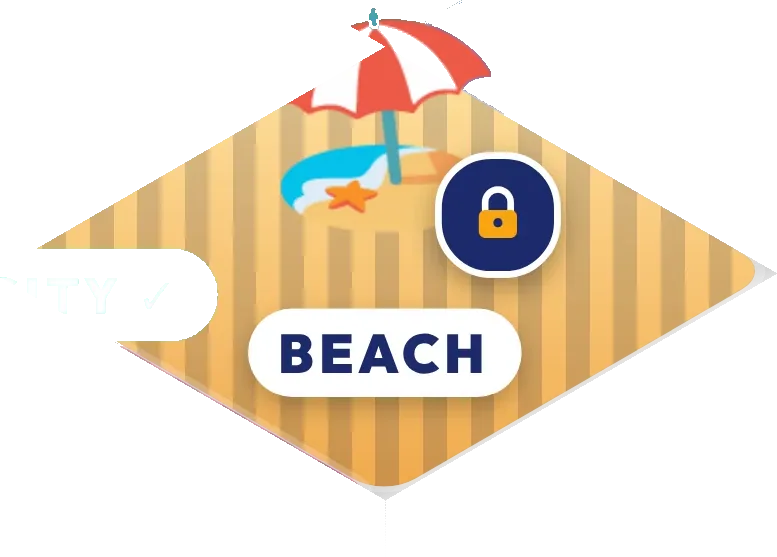









The only limit is your imagination.
Airport, mountains, jungle, beach, space… one new world at a time, unlocked together.