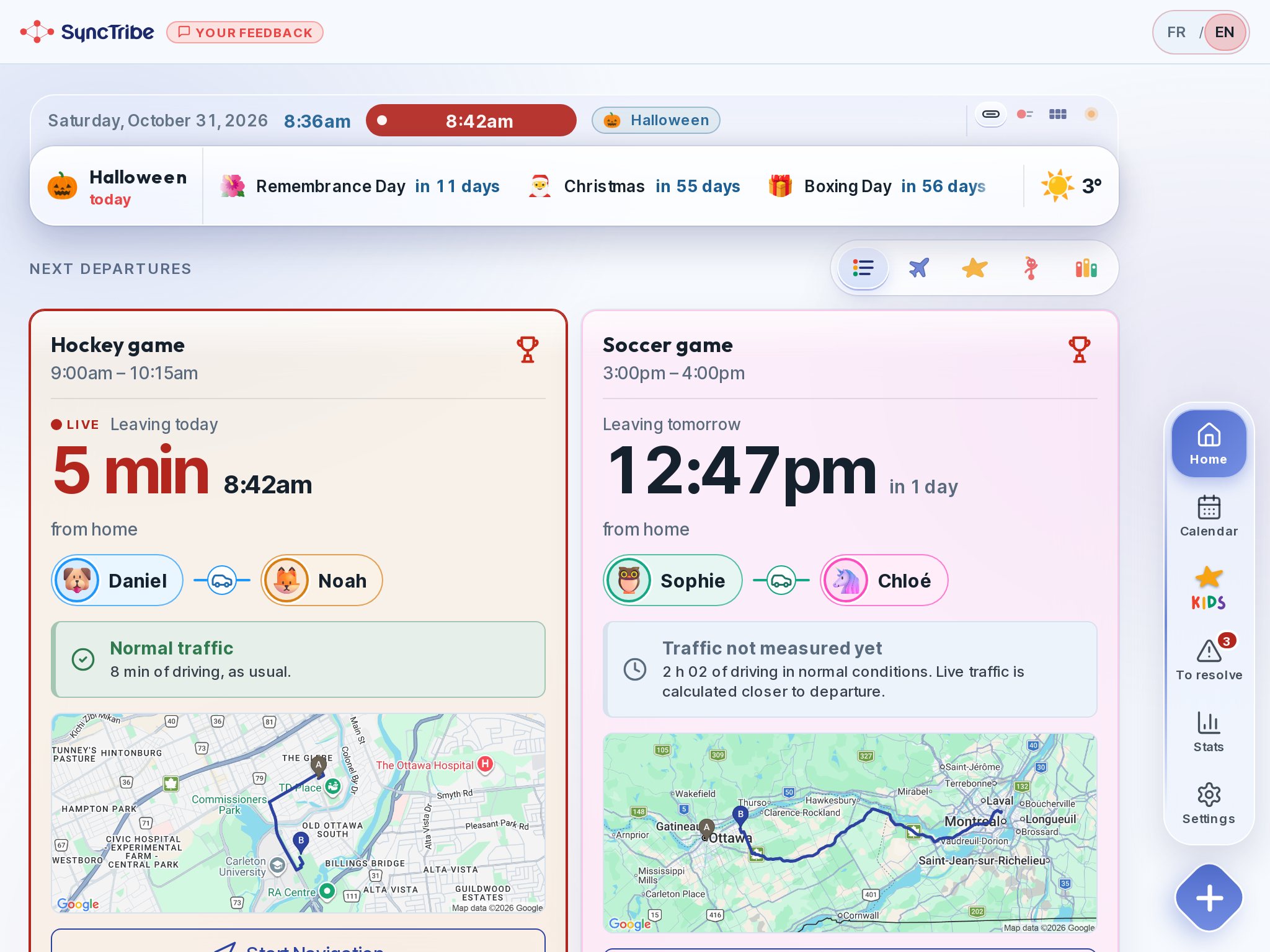
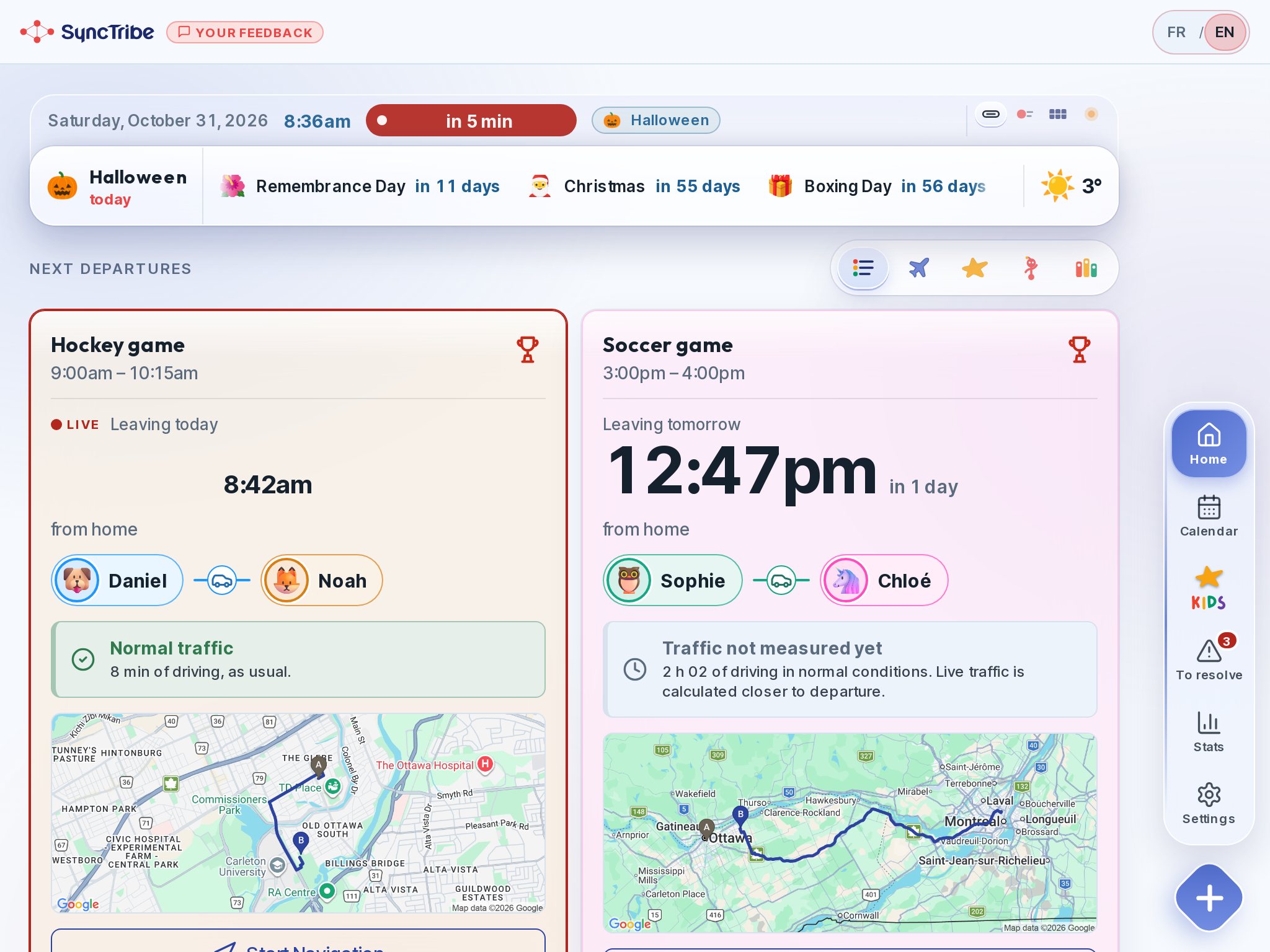
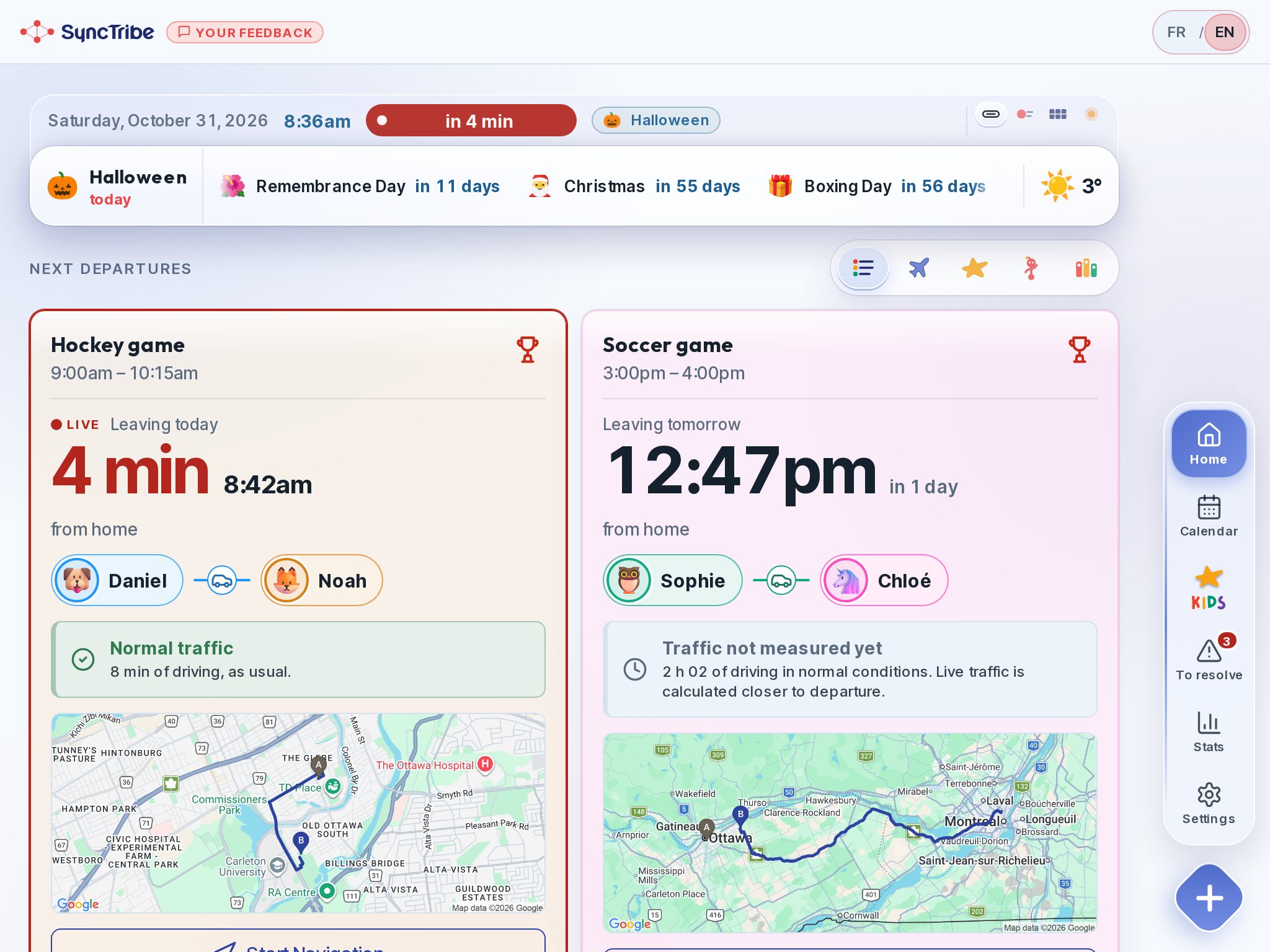
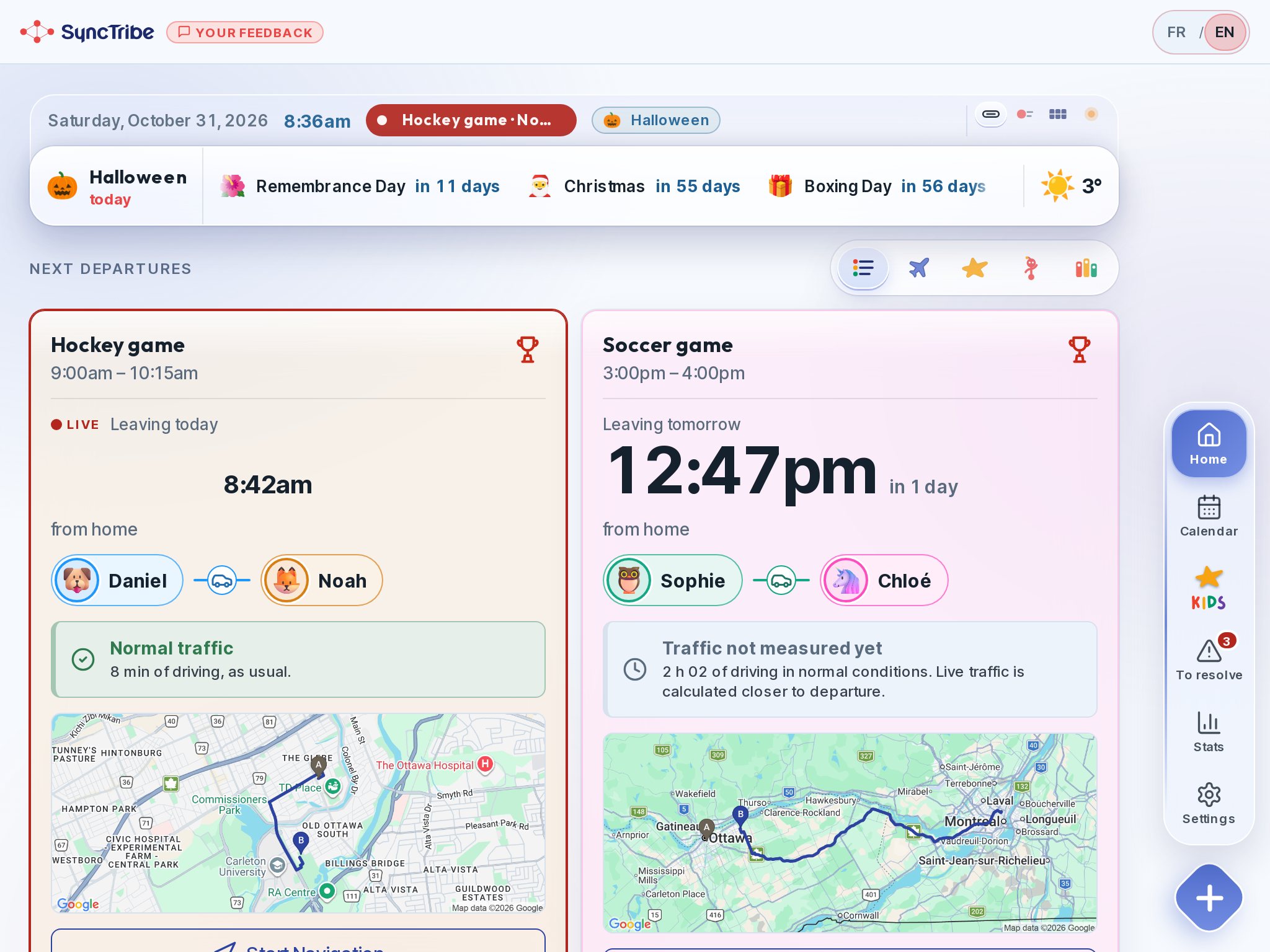
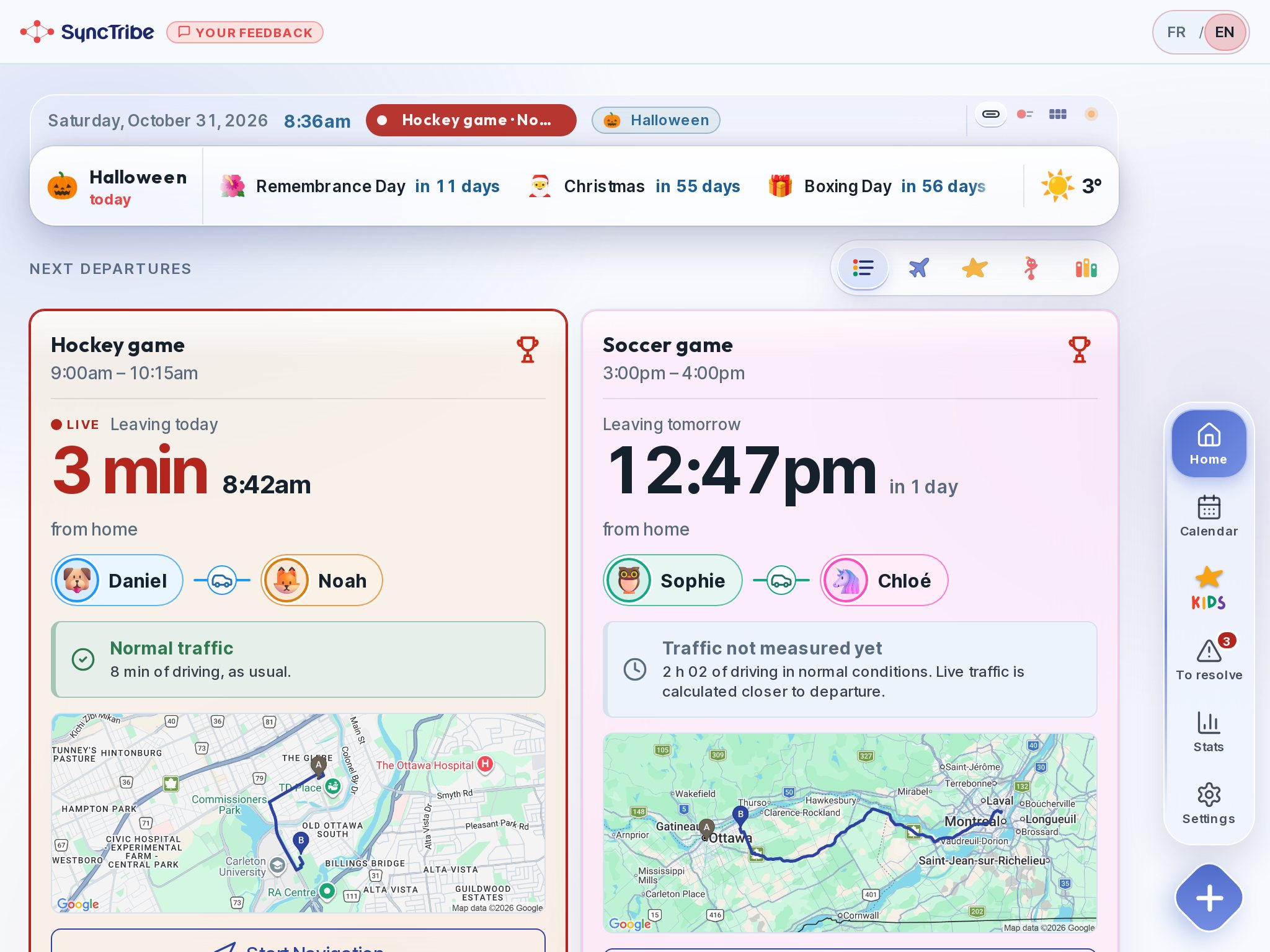
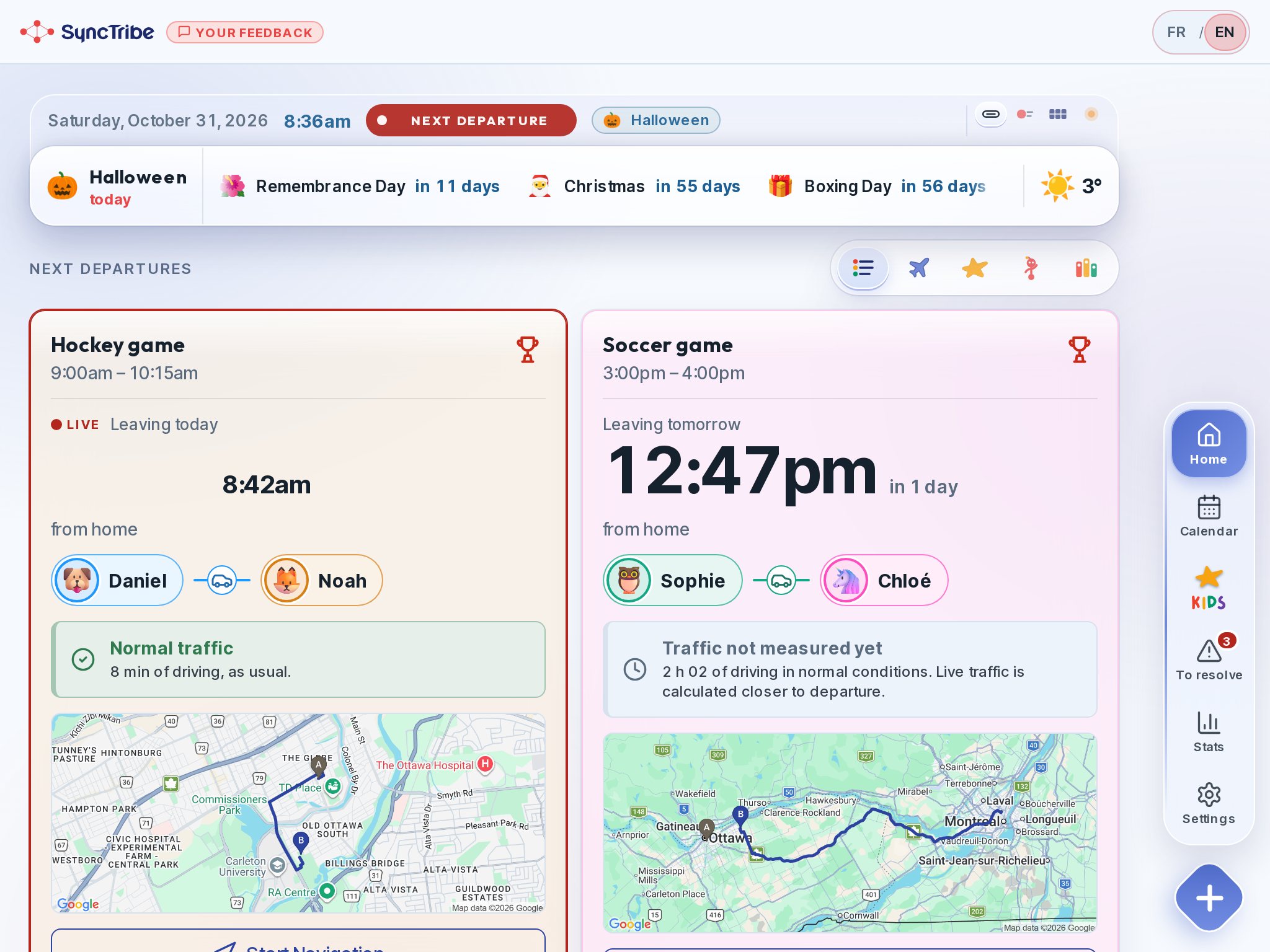
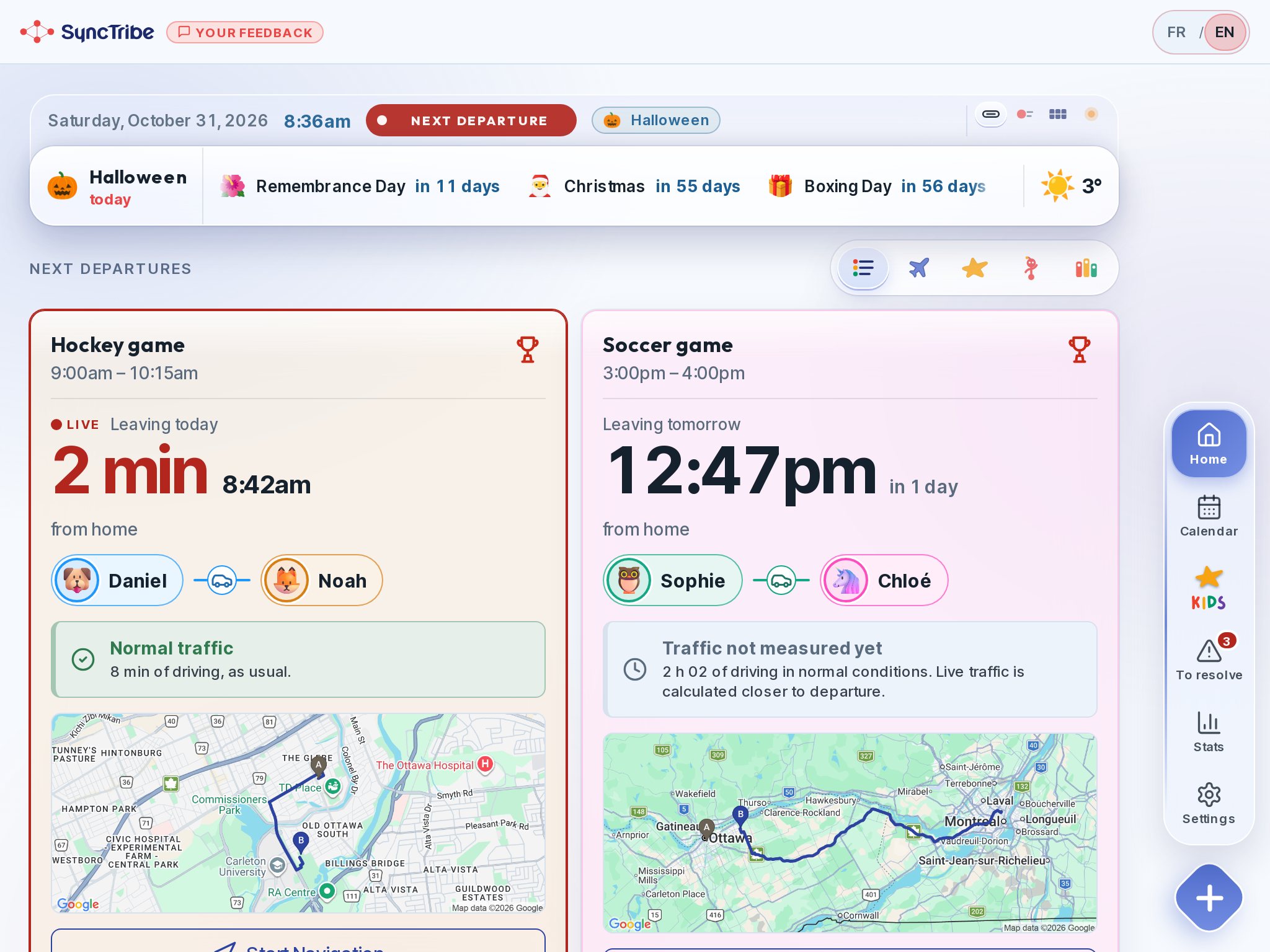
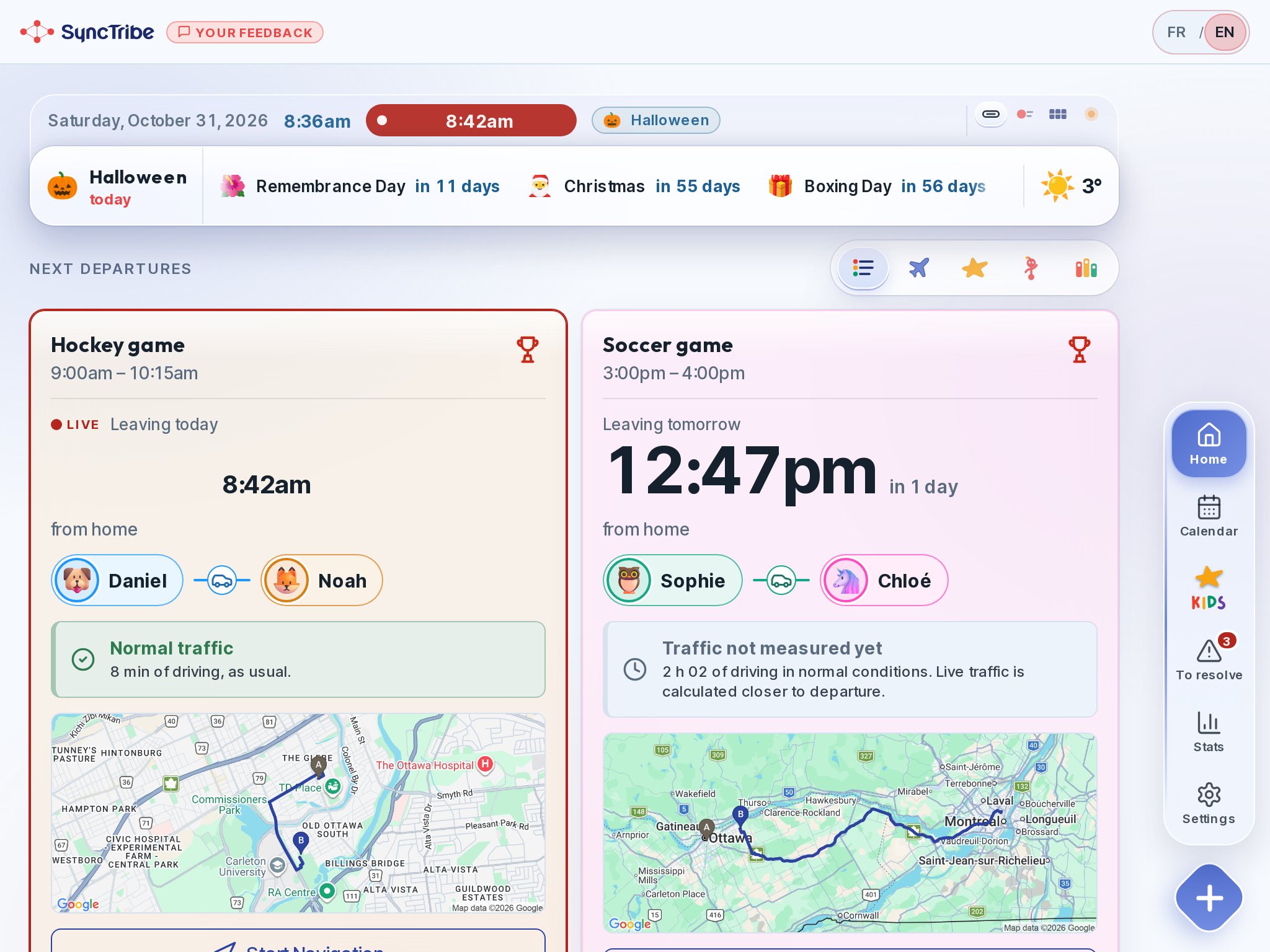
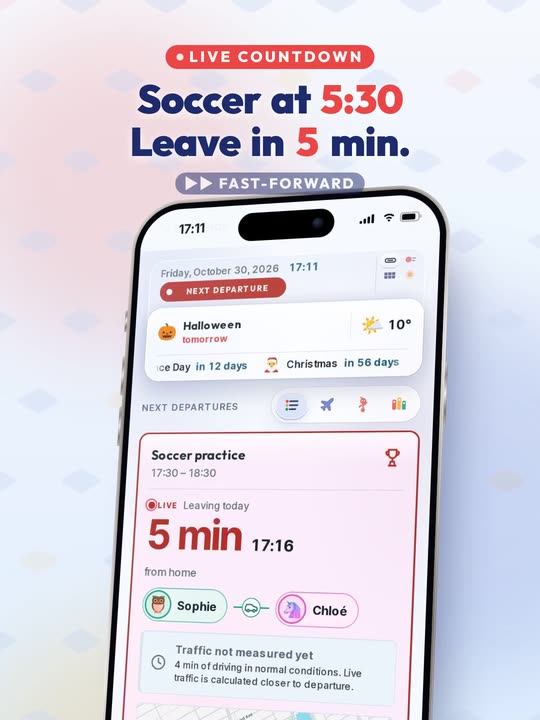
Departure time. Not just class time.
The route and traffic tell you when to leave. The estimate updates as departure gets closer.
Your Tribe, in Sync.
On the kitchen tablet: when to leave, who drives, what won’t work. And for the children, their little world with Billy.
Free · No strings attached · No ads · Your calendars are read, never modified
Hi, I’m Billy!I remind the kids when to get ready.
Monday, October 5
4 trajets · Sophie 2 · Daniel 2 · 2 à vide
Point plein : un trajet avec un enfant. Rond vide : un trajet à vide. Le rail s'épaissit quand le parent est parti ; la bande pâle, c'est l'activité.
Demo household. The tablet switches between the parents’ view and the children’s view. The phone shows the route sheet.
No ads · No strings attached · No credit cardSee the detailed comparison
A calendar says where and when. SyncTribe adds what’s missing: who leaves, at what time, with what in the bag. And it tells the kids too.
A secure family command centre, without buying anything. A wall display costs hundreds of dollars, often with a subscription. SyncTribe runs on your phones and on a tablet you already own, locked in kiosk mode. You save from day one.
Reuse your tablet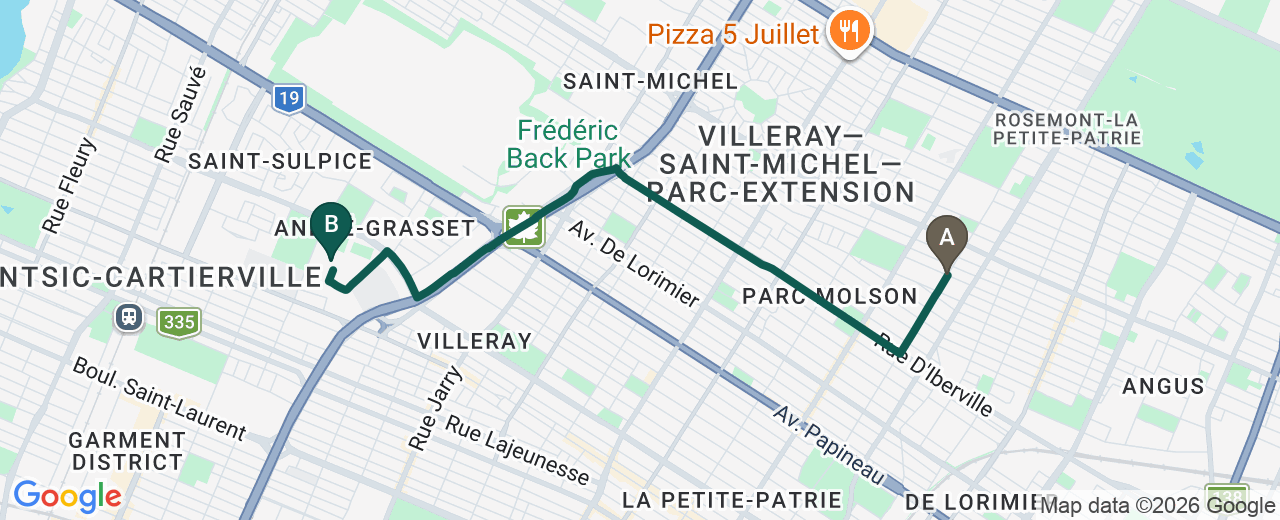 Leave at 5:03 pmNormal traffic · 16 min
When to leave the house, worked out from the trip and live traffic. Nobody does that today. And no need for your address: a postal code is enough.
See the departure time Your dataA child doesn’t read a grown-up calendar. SyncTribe offers several displays, playful and suited to each age: the day ribbon, the airport board, the city.
See the displaysA gentle, playful touch, built for routines and independence: knowing when we leave, who with, and what’s planned. Short games, with an ending.
Discover their little worldSyncTribe changes with the day: the countdown ticks, traffic updates, the card turns orange then red as departure gets close. And Billy reacts to what’s happening in your family: a departure, the weather, a birthday, a new world to explore.
Busy families, blended families, groups who share the carpool: we help lighten the mental load!
Our goalLighten parents’ mental load by giving children responsibility and access to the information.
We handle the logistics.You enjoy the rest!
Between school, hockey and music, what’s missing isn’t information. It’s logistics.
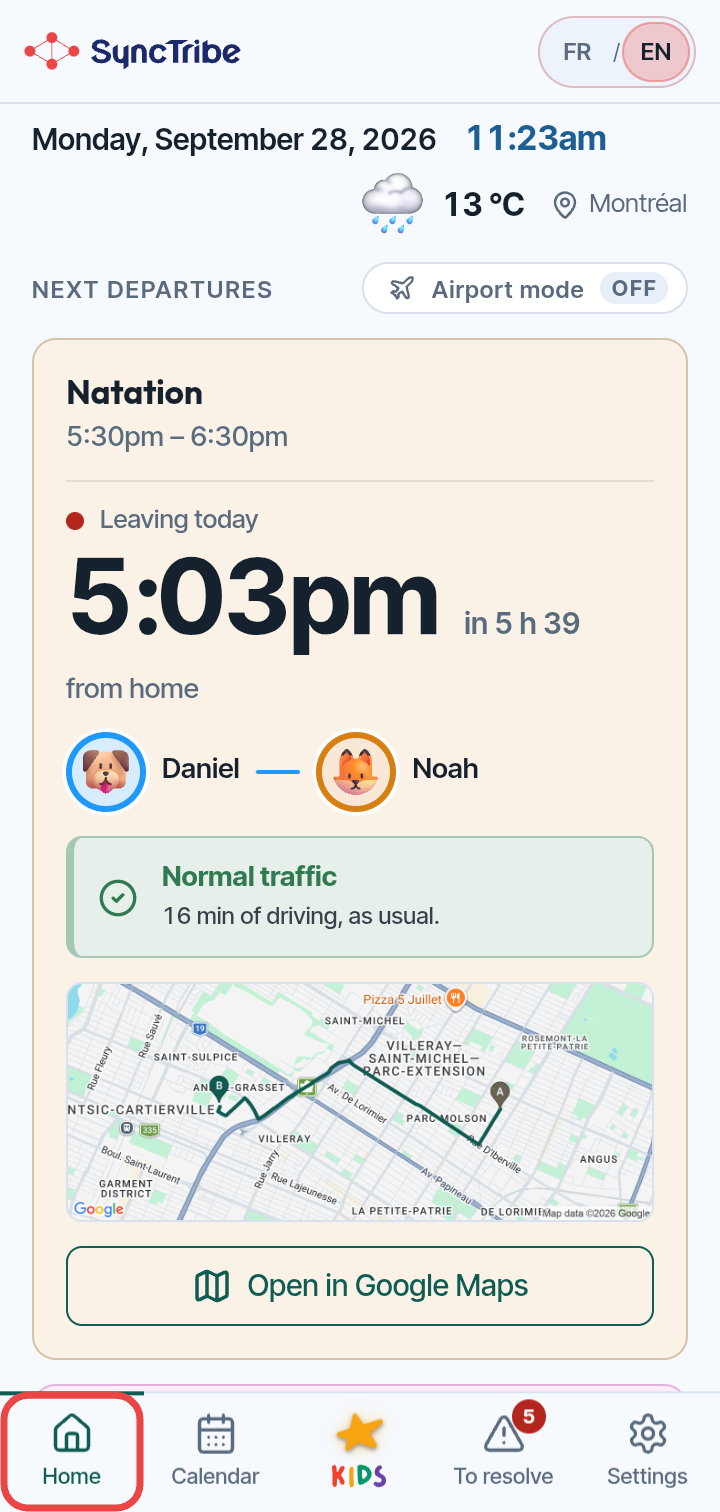
The route and traffic tell you when to leave. The estimate updates as departure gets closer.
A driver, a vehicle and passengers: everyone knows the plan, based on your rules or choices.
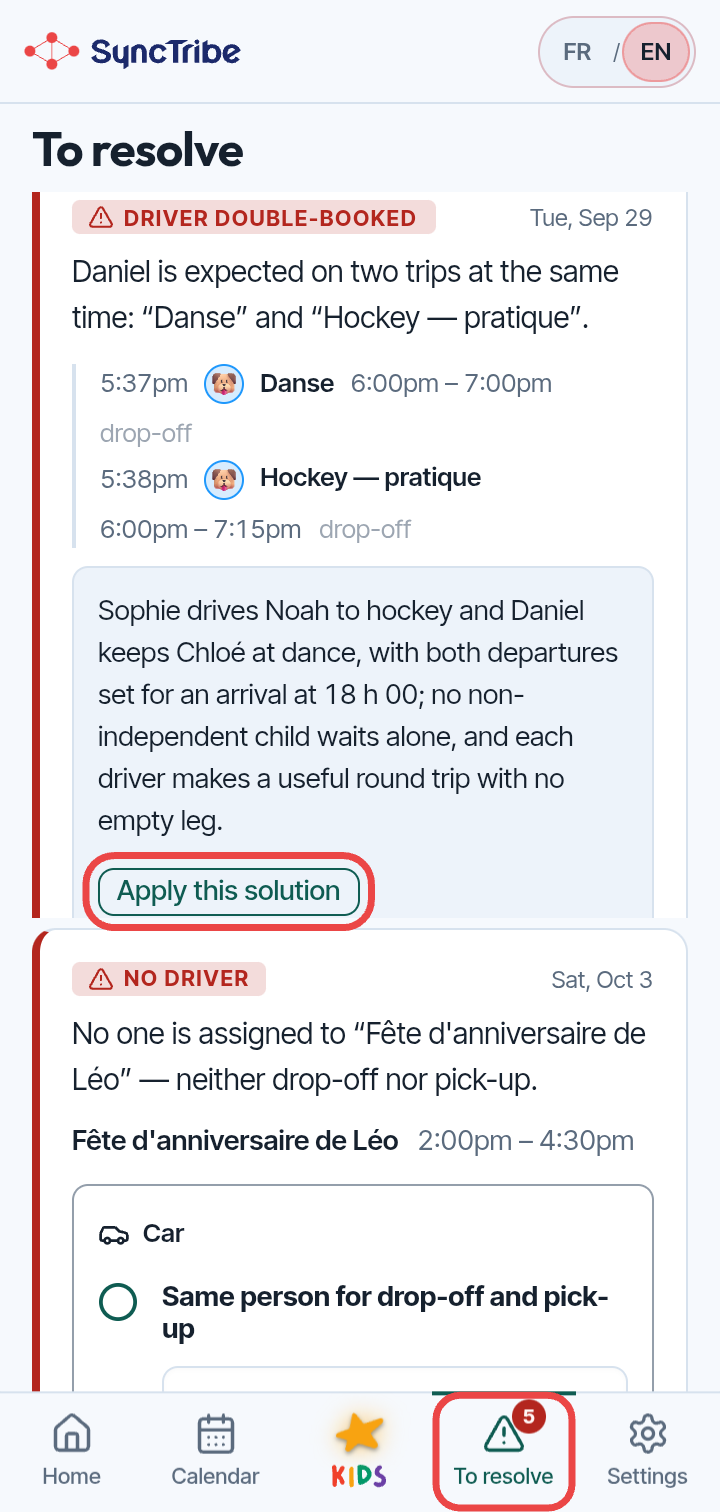
A parent in two places, too little travel time, a missing seat. AI can suggest a solution when you ask.
Parents see their trips. Children know when to be ready. And the tablet brings everyone together.
Each family gets its own @my.synctribe.app address. Billy reads the confirmation (text, PDF, photo) and pre-fills the activity, the child, the dates and the driver. You just confirm.
See how it worksWith Billy, children know when to get ready, what to pack and who’s taking them. They play a little, build together, and get back to their day.
We leave for the pool in 5 minutes. Grab your bag, let’s go!
Check it. Pack it. Ready to go.
Your family command centre might already be sitting in a drawer.
An alternative to wall calendars like Skylight. No need to buy a display that costs hundreds of dollars: your tablet is enough.
And the app is free. No display to buy, no subscription, no strings attached.
Set your tablet up in the hallway or kitchen. Departures, things to pack and the children’s little world: everyone finds what they need in one shared place. Your phone stays in your pocket.
Kiosk mode keeps the tablet on SyncTribe. Once Guided Access (iPad) or app pinning (Android) is set up, leaving the app takes a parent’s passcode. Children use their own space without borrowing your phone.
Making more of what you own. That’s progress, too.You don’t need an expensive family display: a compatible tablet you already own may be all you need. Give it a longer useful life, skip a purchase, and let the whole family benefit.
Swimming · With Alex
The best way to protect data is not to ask for it.
SyncTribe does not require your exact address: a postal code is enough to estimate your trips and is the default option.
You can add your exact address if you want to. It’s optional, and you must confirm your choice to turn it on.
At SyncTribe, protecting your data isn’t a settings page: it’s an architectural decision, made before the first line of code.
SyncTribe is available on the App Store and on the web. On Android, the app is in testing on Google Play: join it in a few clicks.
Free, no strings attached. No ads. Available now on the App Store.
Download on theApp StoreFree as well. Android tablet, computer or phone: right in your browser, nothing to install.
In your browserWeb accessThe app is in closed testing. Leave your phone’s Google account address and you’ll receive the link to join.
A shared family calendar that reads the calendars you already use (Google Calendar, Apple Calendar, Outlook, TeamSnap or any ICS link) and adds the logistics: when to leave based on the trip, who drives and who rides along, and schedule conflicts spotted ahead of time. Children get their own space, SyncTribe KIDS.
Yes. SyncTribe is free, with no strings attached: no subscription, no credit card, and no ads. But running it costs money: servers, maps, live traffic calculations. That cost grows with the number of families. As long as it stays under control, the app stays free. If strong demand pushed it too high, we would consider a paid plan, but only if SyncTribe truly meets your needs. Our earliest families would then be first in line, with significant discounts.
Yes, if you want a family command centre without buying a dedicated display. SyncTribe runs on the parents' phones and on a tablet you already own (iPad or Android), set up in kiosk mode in the hallway or kitchen. And it does more than show events: it gives you departure times, drivers and conflicts.
Yes. You paste each calendar's sharing (ICS) link once: Google Calendar, Apple Calendar, Outlook, TeamSnap, or any calendar that provides an ICS link, such as Cozi. SyncTribe re-syncs it every 30 minutes, read-only: your calendars are never modified.
Yes. Each family gets its own address, like yourname@my.synctribe.app. Forward the registration confirmation there: Billy, SyncTribe's AI, reads the text, the PDF or the photo of the schedule, and pre-fills the activity, the child, the dates, the breaks and even the driver if you write it. You get his reply by email, then confirm in the app: nothing is added without you. A Gmail filter can also forward your clubs' emails automatically. See how to do it →
No. The parents' phones are enough. A compatible tablet you already own can become the family screen. Kiosk mode (Guided Access on iPad, app pinning on Android) keeps it on SyncTribe.
SyncTribe KIDS has no ads and no messaging with the outside world: only the family thread, deleted after 7 days. Each child opens their space with their own code, games are short and have an ending, and parents control the settings. A postal code is enough: an exact address is optional. Your personal data is at the heart of what we do. We follow the rules that apply to apps used by children in every Canadian province (see our privacy policy).
On iPhone and iPad, now, on the App Store. On Android, in testing on Google Play. In French and English. Designed in Ontario for bilingual families across Canada, and for families who want their children to grow up with both languages.
In the app: Settings › Your account. "Delete the household" erases the household's data (members, activities, trips, places, packing lists, KIDS space) and keeps your account. "Delete my account" erases the account. If you are alone in the household, the household is deleted too; otherwise it stays with the other parent. It takes effect immediately and can't be undone, so export your data first if you wish. Without the app: email contact@synctribe.app from the account's address and say whether you want your data or your account deleted. We delete and confirm within 30 days. Afterwards only technical logs remain, deleted after 30 days (sign-ins) or 6 months (administrative access). See how to do it →